How to Enable the New Intelligent Hub Catalog on Windows 10

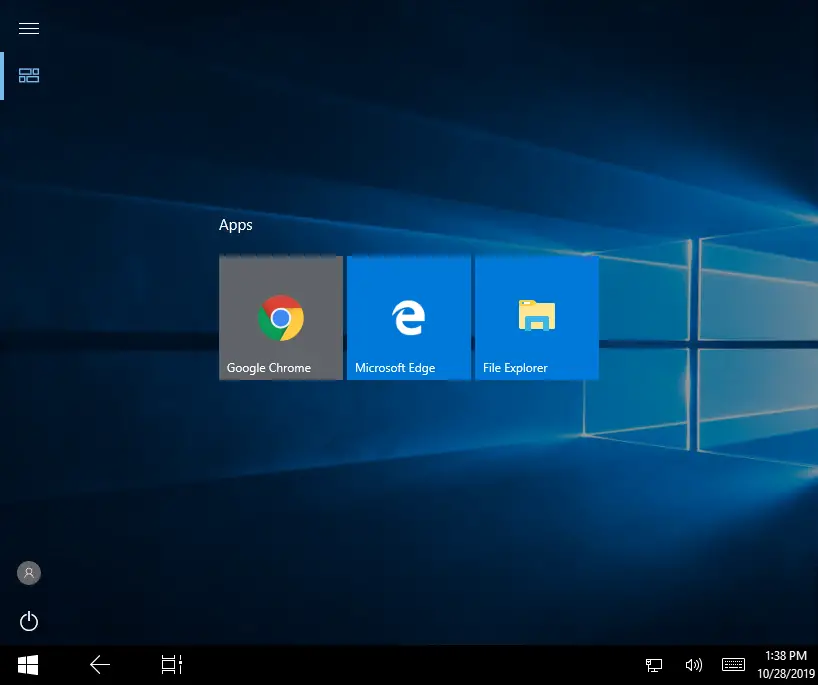
Updated 7/27/20 – Several recent release have added support for more features: 2006 – Adds support for WS1 Access as an authentication source. This is required for the full “unified” catalog: Web Apps, SaaS Apps, Win32, and Horizon. 2005 – Hub services branding support After much waiting, the 20.03 console version of Workspace ONE finally […]


How to Enable BranchCache in Workspace ONE

One of key benefits of Modern Management is that you can get out of the “having to manage content” business. In traditional PCLM products, this can take a huge amount of time. Sure, I’ll admit that there can be an odd sense of satisfaction seeing your content distribute across hundreds or perhaps thousands of DPs […]

How to setup the new Workspace ONE Tunnel Windows Desktop Application

Hi, my name is Pim van de Vis and I’m honored to be the first guest blogger here. I’m part of the same team as Brooks and might be returning for more content in the future (depending on how happy Brooks will be with this content :)). In this first blog I will describe how […]

Workspace One Application Management for Win10 – How Rollback and Uninstall Works

Updated 8/6/20 to reflect more accurate behavior when retiring apps Workspace ONE app management (aka Software Distribution or SFD) has end-to-end lifecycle management of applications. This includes installation, upgrade, inventory, and uninstallation/rollback. The uninstall/rollback behavior is new to many admins, especially ones coming from traditional or “legacy “management platforms. This document will walk through how […]

Even more ways to deploy Kiosk mode with Workspace ONE!

In my last walk through video, I went through how to setup a basic multi-app kiosk PC using custom Kiosk XML. Since then, I’ve worked with other customers to deploy kiosk mode in a few different ways and so I’d like to summarize each in this blog. What is the difference between single-app mode and […]

Configuring Kiosk Mode on Windows 10 using a custom xml with Workspace ONE UEM

Configuring Kiosk mode on Windows 10 with Workspace ONE UEM is super simple. In this video, I’ll show how to turn any Windows 10 system into a VMware Horizon virtual desktop kiosk device. I’ll also address some recent use-case issues that are not discussed anywhere else, going step-by-step on the following topics: What Kiosk mode […]

How to re-provision a Dell Provisioning for Workspace ONE device

Today I wanted to show how you can re-provision a Dell device that was provisioned from the Dell factory (use the Dell provisioning for Workspace ONE service) after it has already been shipped either for demo or testing purposes. 1 – Enterprise Wipe First we need to initiate “Enterprise Wipe” from the console so that […]

How to run 64bit Powershell from 32bit Powershell with Workspace One Sensors

*Updated 2/25/20 Workspace ONE Sensors is an awesome new feature (released in WS1 console version 1904) that enables an admin to put together any Powershell script and use that as inventory data to build reports and even do automation with WS1 Intelligence. WS1 console version 1910 add 64 bit support so you can now choose […]

Enable Full MDT WiFi Support in WinPE for Dell Systems with OSDBuilder

Intro I’ll be showing how to add full WiFi support to WinPE in MDT for Dell systems. This will also include adding WiFi support even outside of WinPE so that the entire MDT task sequence can complete end to end. Massive props to Oliver Kieselbach on his blog post that started it all and has […]